WhatsApp vs WhatsApp Business
WhatsApp Business is a separate free app from Meta, designed for small businesses. It looks and works like WhatsApp, but adds business tools. You can run it on the same phone as your personal WhatsApp, using a different number.
For larger businesses that need many staff answering at once or automated messages at scale, Meta also offers the WhatsApp Business Platform (the API), usually accessed through approved providers. Most small businesses start with the free app.
Set up your profile properly
Your business profile is the first thing a new customer sees. Fill in every field:
- Business name and category — so customers know who you are.
- Description — what you sell, in one or two lines.
- Address and opening hours — and keep them up to date.
- Email and website — if you have them.
- A clear profile photo — your logo or shop front, not a personal picture.
Five features most owners miss
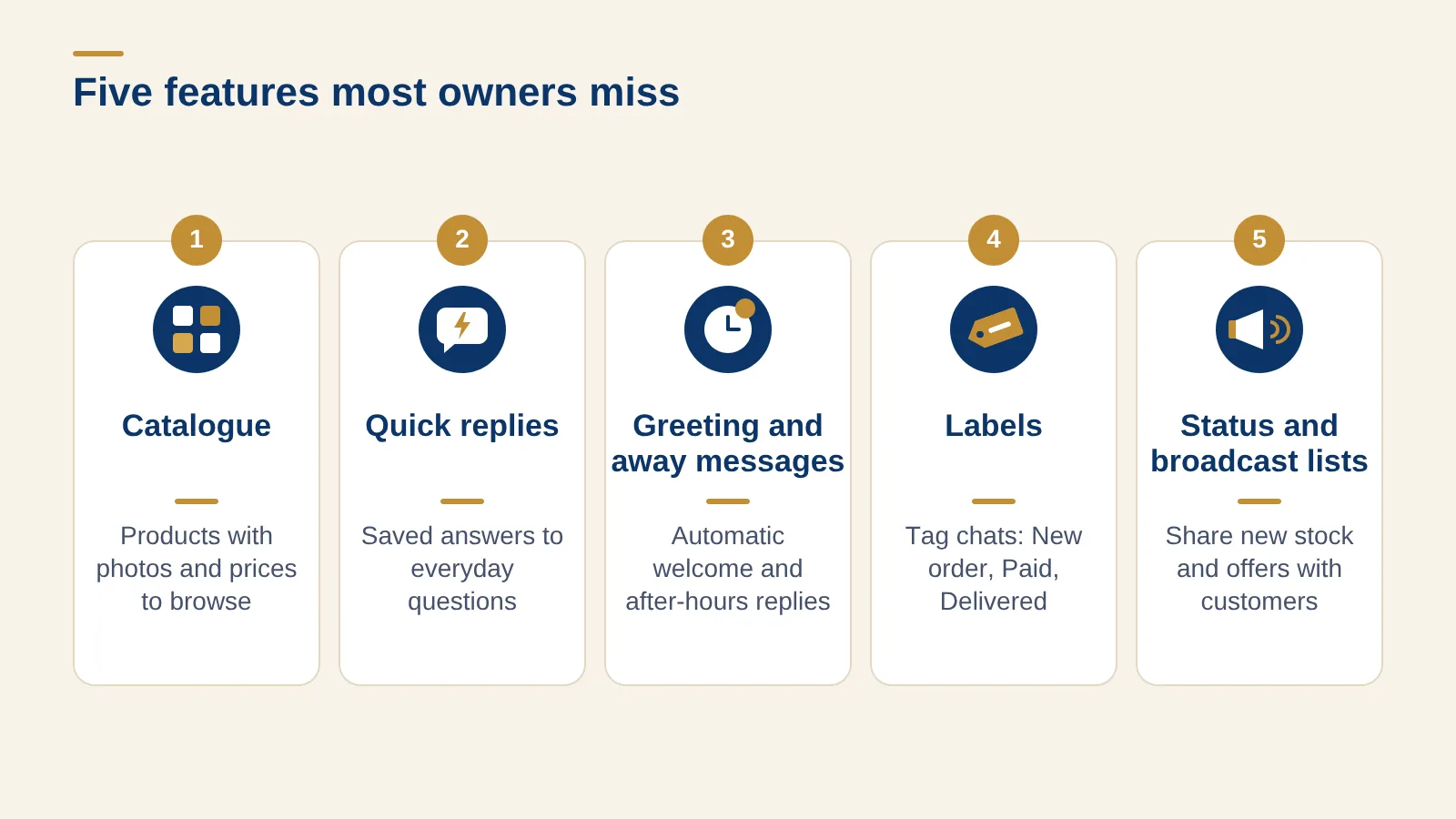
1. Catalogue
List your products with photos, prices and short descriptions. Customers can browse and share items without asking "how much?" for everything — which saves you time and reduces back-and-forth.
2. Quick replies
Save answers to the questions you get every day — prices, delivery areas, payment details, opening hours — and send them with a shortcut. Your answers become faster and more consistent.
3. Greeting and away messages
Send an automatic welcome when someone messages you for the first time, and an away message outside working hours telling customers when you will reply.
4. Labels
Tag chats as New order, Paid, Delivered or Owes money, so you can see at a glance where each customer stands instead of scrolling through hundreds of chats.
5. Status and broadcast lists
Post new stock and offers to your Status, and send updates to customers who have saved your number using broadcast lists. Do not spam — message people only about things they are likely to want.
Good habits that build trust
- Reply quickly, even if only to say you will check and come back.
- Confirm every order in writing — items, price, delivery cost and date.
- Share your payment details from one saved message, so customers never send money to the wrong account. Always confirm payment in your own bank or wallet app before releasing goods — never trust a screenshot alone. (See our guide to accepting payments safely.)
- Keep personal and business numbers separate.
Signs you have outgrown running on chats
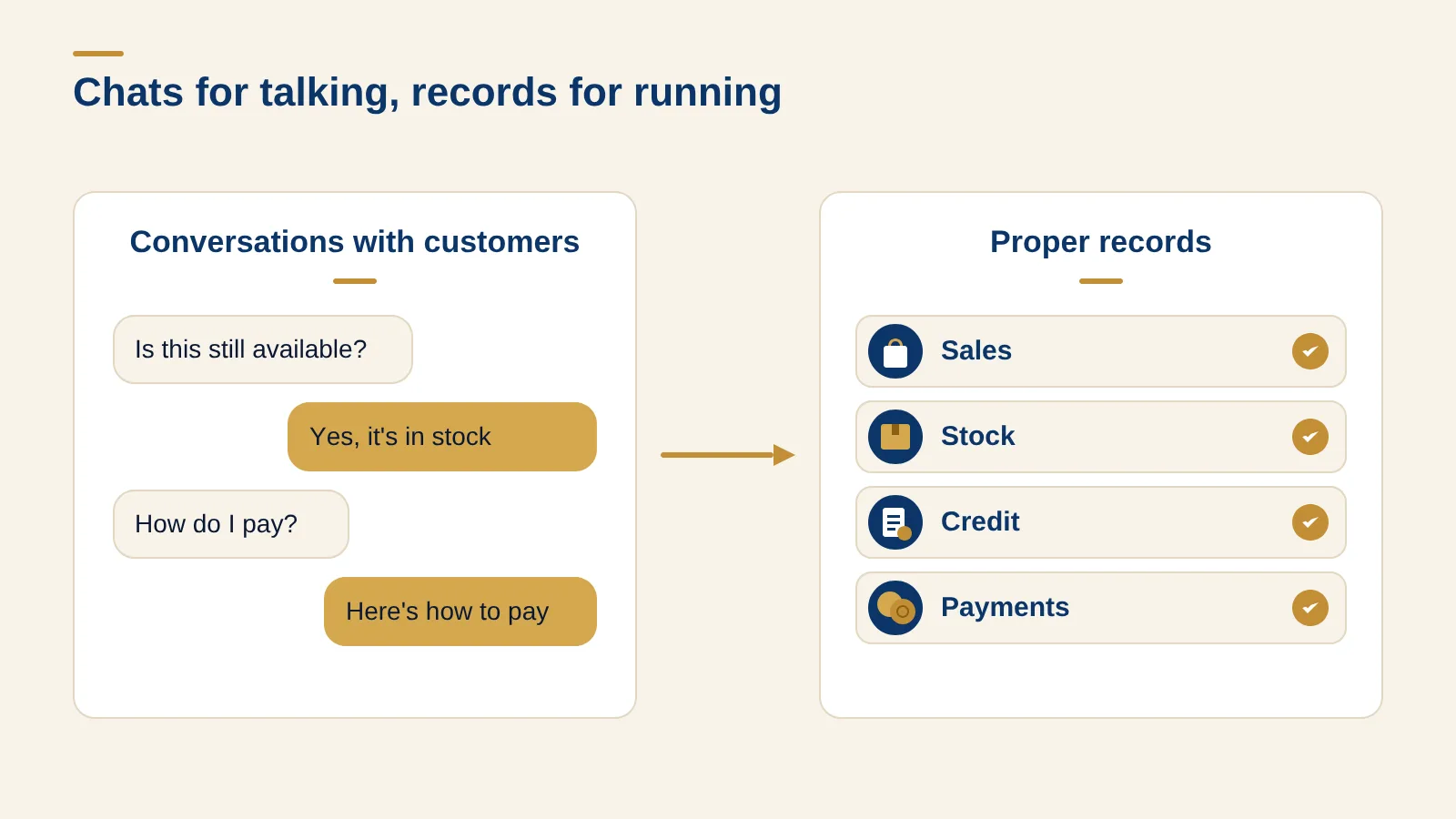
WhatsApp is excellent for talking to customers. It is not built to run the rest of your business. You have probably outgrown chats alone if:
- Orders get lost in long conversations, or two staff answer the same customer differently.
- You cannot say quickly how much you sold this week, or who still owes you.
- Stock runs out because nobody updated the count after WhatsApp orders.
- Records live on one phone — if it is lost or the staff member leaves, your history goes with it.
At that point, keep WhatsApp for conversations, and move your sales, stock, credit and payments into a proper record. Our guide to digitising your small business explains where to start.
How Amaya & Co. can help
KudiAI Track keeps the records that WhatsApp can't — every sale, expense, stock level and customer debt — while you keep talking to customers on WhatsApp. You can send invoices directly on WhatsApp as PDFs, and share receipts customers can verify.
For businesses that need more — order systems, automated messages or integration with the WhatsApp Business Platform — our business automation and custom software services can help. Talk to us about what you need.
WhatsApp Business is a great front door for your customers. Pair it with proper records and you get the best of both.